
TechKompass – Windows 11 Pro
Windows 11 Pro is aimed at users with higher demands for security, management, and productivity.
The TechCompass explains the differences to Windows 11 Home, classifies the functions technically, and shows for which areas of application Windows 11 Pro is the more sensible choice.
Brief overview
Windows 11 Pro is the recommended edition for productive workplaces, freelancers and businesses.
Compared to the Home version, Windows 11 Pro offers enhanced security features, centralized management options, and professional networking features without unnecessarily complicating operation.
Fig. Windows user interface
Typical use cases
– Productive workplaces and home office
– Self-employed individuals and freelancers
– Small and medium-sized enterprises
– Devices with increased security requirements
– Systems with remote access or central management
Windows 11 Home vs. Pro – the crucial difference
The main difference between Windows 11 Home and Pro lies not in the user interface, but in control, security and management.
While Home is intended for single-user systems, Pro is clearly aimed at users who need to actively control and secure their system.
Windows 11 Pro is aimed at users with higher demands for security, management, and productivity.
The TechCompass explains the differences to Windows 11 Home, classifies the functions technically, and shows for which areas of use Windows 11 Pro is the more sensible choice.
Advantages
– Enhanced security features (including BitLocker)
– Group policies for system administration
– Domain joining and professional networking features
– Remote Desktop as host
– Better control over updates and system settings
Disadvantages
– Higher price than Windows 11 Home
– Often functionally over-engineered for purely private users
– Some functions require basic technical understanding
Technical classification
Technically, Windows 11 Pro is based on the same platform as the Home edition, but extends it with central management and security mechanisms.
Group policies, BitLocker encryption and domain integration make Windows 11 Pro a significantly better choice for structured work environments and productive usage scenarios.
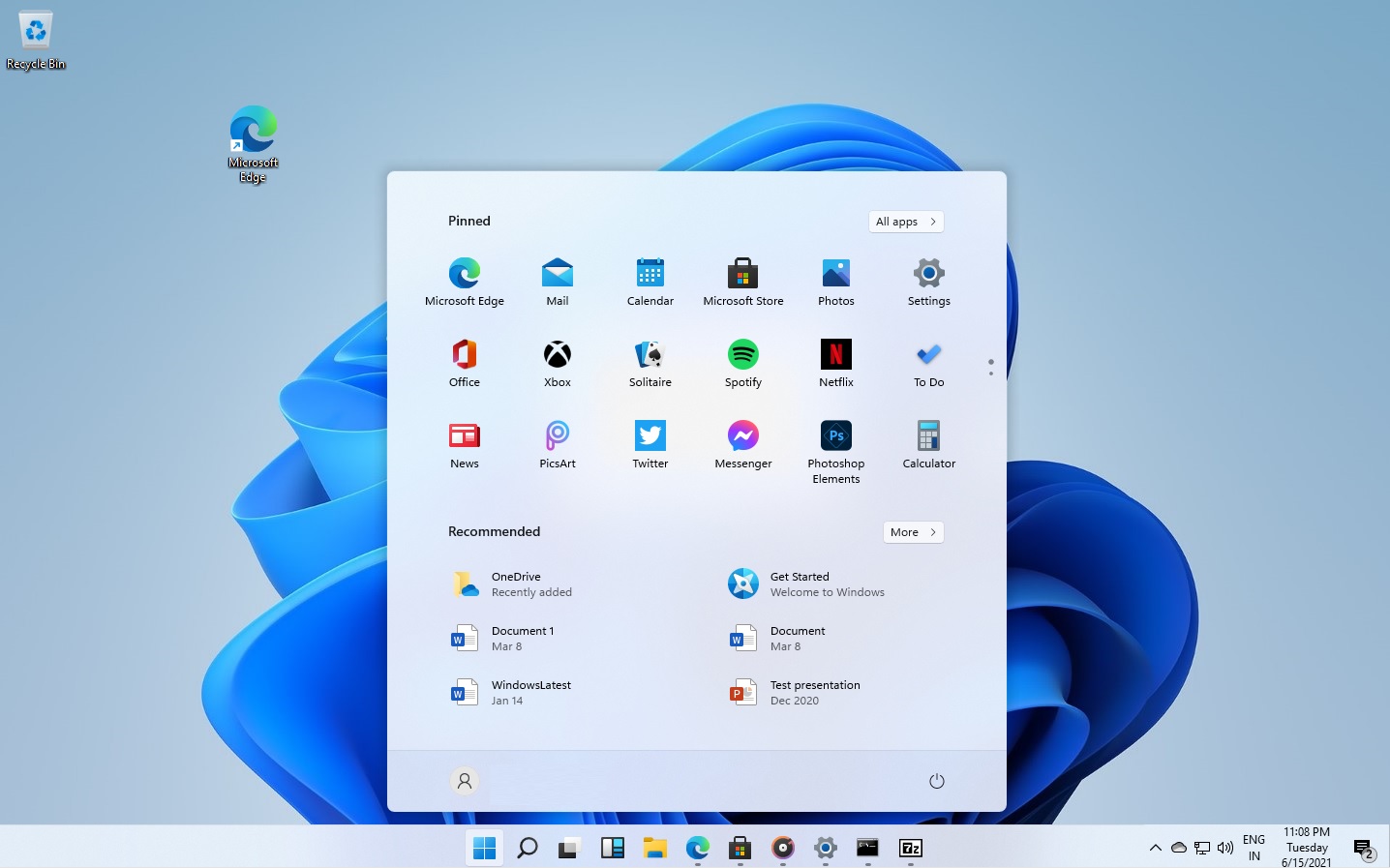 Fig. Windows 11 Pro system settings
Windows 11 Home vs. Pro – the crucial difference
The main difference between Windows 11 Home and Pro lies not in the user interface, but in control, security and management.
While Home is intended for single-user systems, Pro is clearly aimed at users who need to actively control and secure their system.

TechCompass rating
– User-friendliness: ★★★★☆
– Result quality: ★★★★☆
– Speed & Performance: ★★★★☆
– Features: ★★★★★
– Price/performance ratio: ★★★★☆
Recommendation
Windows 11 Pro is the clear recommendation for all productive use cases.
Anyone who needs more than just standard features, wants to secure their system or manage it centrally, should go directly to Windows 11 Pro.
For purely private use without special requirements, Windows 11 Home is usually sufficient.
Mini-FAQ
Is Windows 11 Pro a good choice for home users?
Only if security and administrative functions are to be used intentionally.
Is it possible to upgrade from Home to Pro?
Yes, an upgrade is possible at any time.
Is Windows 11 Pro mandatory for businesses?
For structured IT environments and domain operation, Windows 11 Pro is practically indispensable.
Suitable products
Windows 11 Pro is available from Premium Electronics as a digital activation service. For simple private use, Windows 11 Home may be sufficient.